SPIP

[ar] [bg] [ca] [cpf] [cs] [da] [de] [en] [eo] [es] [eu] [fa] [fon] [fr] [gl] [id] [it] [ja] [lb] [nl] [oc] [pl] [pt] [ro] [sv] [tr] [vi] [zh] Espace de traduction

Download the latest version of SPIP

SPIP 1.9.2 SPIP 1.9.2
Home page > English documentation > Questions and Answers > FAQ: first steps > My site is empty — what should I do?

My site is empty — what should I do?

April 2004

All the versions of this article:


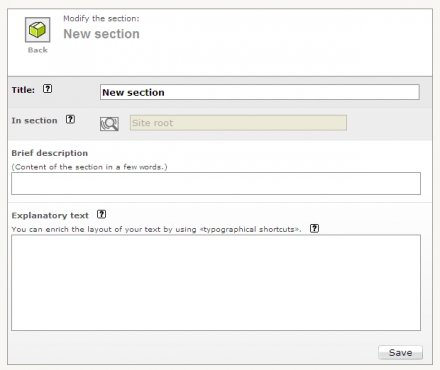
First things first, start creating the layout of your site — one section at least is required. You can then add more sections later one. To do so, go to the private area, click on "Site edit" in the top banner, then click the right button to create a new section or sub-section.


ٍShow the template of this page Site created with SPIP | Translation area | Private area